Custom Overrides for DMRs & Snipers
Quick Answer
Sniper sensitivity in PUBG Mobile: AWM/M24 6x ADS 10–18%, 8x ADS 8–15%, Gyro 8x 28–45%. Use Custom Gear Sensitivity to set these per weapon without changing your AR profile. Use AimSync to generate custom overrides per weapon category.
One of the biggest mistakes in mobile shooter gameplay is relying entirely on global sensitivity configurations. While a high 4x or 6x gyroscope sensitivity is ideal for control sprays with automatic gears like the M416, utilizing those same values on a Bolt-Action Sniper Rifle or a Designated Marksman Rifle (DMR) will make precise crosshair adjustments near impossible. The slightest hand twitch will throw your crosshair off target at long ranges.
Fortunately, the advanced settings engine allows you to specify custom sensitivity overrides for individual gear setups. In this guide, we will analyze the technical mechanics of single-tap recoil stabilization, explore zoom scroll ratios, and provide the exact setup configurations for DMRs and Bolt-Action snipers. For official gear updates and community setups, check the Official PUBG Mobile Site.
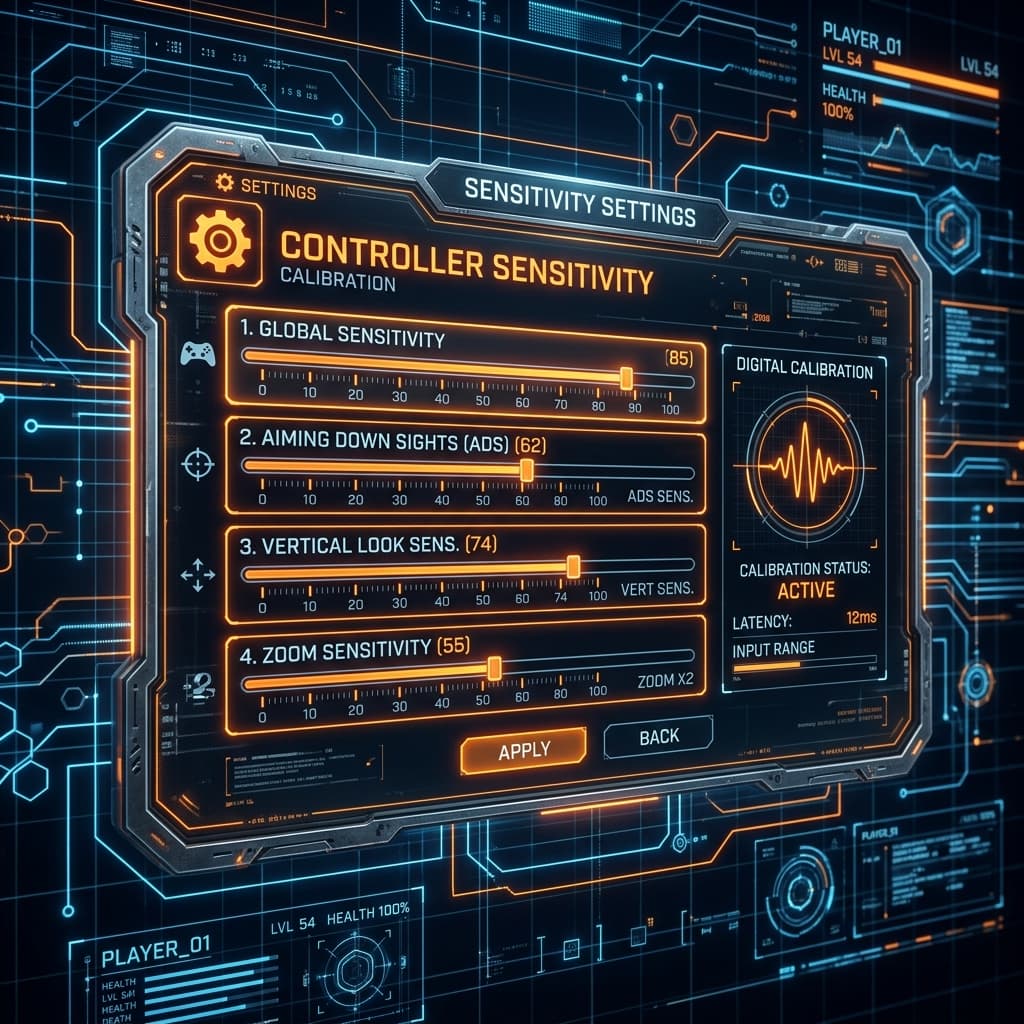
1. The Physics of Single-Tap Stabilization
When you fire an automatic gear, recoil control is about continuous, consistent drag adjustments. However, when firing a DMR (such as the Mini14 or SLR), recoil control is about rapid reset alignment. Every time you tap the fire button, the camera jumps vertically and horizontally, and you must wait for the reticle to return to its original position before firing the next shot.
If your DMR sensitivity is too high, your manual resetting adjustments will overcorrect, resulting in a zigzag pattern around the target head. Ideally, you want your DMR sensitivity to be **20% to 30% lower** than your automatic spray settings for matching scopes. This lower sensitivity stabilizes the reticle, allowing for extremely fast, consistent tapping.
2. Bolt-Action Sniping: The Micro-Adjustments Threshold
With Bolt-Action Sniper Rifles (like the M24 or AWM), you only have one shot to secure a knock. Because targets at 150+ meters occupy very few pixels on your screen, aim tracking is all about microscopic movements.
For these long-range precision shots, a lower sensitivity profile is mandatory. When using high-zoom optics (e.g. 8x scope), your Gyroscope sensitivity should be calibrated between **60% and 85%**. This prevents your natural breathing twitches or heartbeat from throwing off your target acquisition, while giving you just enough range of motion to trace moving targets.
3. Dynamic Scope Zoom Ratios
Many players adjust their scopes dynamically during match play (e.g., scrolling a 6x scope down to 3x, or an 8x scope down to 4x). The engine handles sensitivity adjustments for adjusted scopes as follows:
- Adjusted Zoom Sensitivity: When you adjust a 6x scope down to 3x, the game does *not* apply your 6x sensitivity values. Instead, it dynamically switches to your **3x sensitivity configuration**.
- Calibration Advantage: You can exploit this mechanic by keeping your global 3x sensitivity high for automatic rifle sprays, while keeping your custom 6x override low for DMR single-taps. If you need to spray with a 6x, simply scroll it down to 3x to access your high-speed spray settings instantly.
4. Recommended Custom Override Profiles
To configure your custom gear profiles, go to Settings ➔ Sensitivity ➔ Custom, select the specific gear, and apply these baseline offsets:
| Gear Type | Scope Group | Camera Sensitivity | Gyroscope Sensitivity |
|---|---|---|---|
| M416 / Scar-L (Spray) | 3x / 4x | Default (100%) | Default (100%) |
| Mini14 / SLR (DMR) | 4x / 6x | Reduce by 25% | Reduce by 30% |
| M24 / AWM (Sniper) | 8x | Reduce by 40% | Reduce by 45% |
By locking in these specialized overrides, you ensure that your muscle memory can stay consistent when transitioning between close-quarters automatic engagements and long-range tactical sniper fights.