AimSync Masterclass · Hardware & Gyro Sensor Tuning
PUBG Mobile Gyroscope Settings Explained: Complete 2026 Masterclass
Quick Answer & Summary
Gyroscope sensitivity for PUBG Mobile & BGMI is best set to Always-On Gyroscope at 300–350% for TPP No-Scope, 290–340% for Red Dot, and 120–160% for 3x Scope. Always-On separates aiming from thumb fire buttons, allowing effortless recoil suppression through forward wrist tilting. If you play on a mid-range phone (Poco, Redmi, Realme), add 5–10% to all Gyro values to filter out touch digitizer delay.
1. What is the Gyroscope and How Does It Work in Mobile Esports?
The smartphone gyroscope is a micro-electro-mechanical system (MEMS) sensor built onto the motherboard that measures angular rate of rotation along three axes: Pitch (nodding forward/backward), Roll (tilting side to side), and Yaw (swiveling left/right).
In PUBG Mobile and BGMI, enabling the gyroscope links device rotation directly to camera panning. Instead of relying solely on your thumb swiping down glass to control weapon spray, you physically tilt your smartphone forward. This decouples movement from firing controls, unlocking faster reaction times and precise micro-tracking.
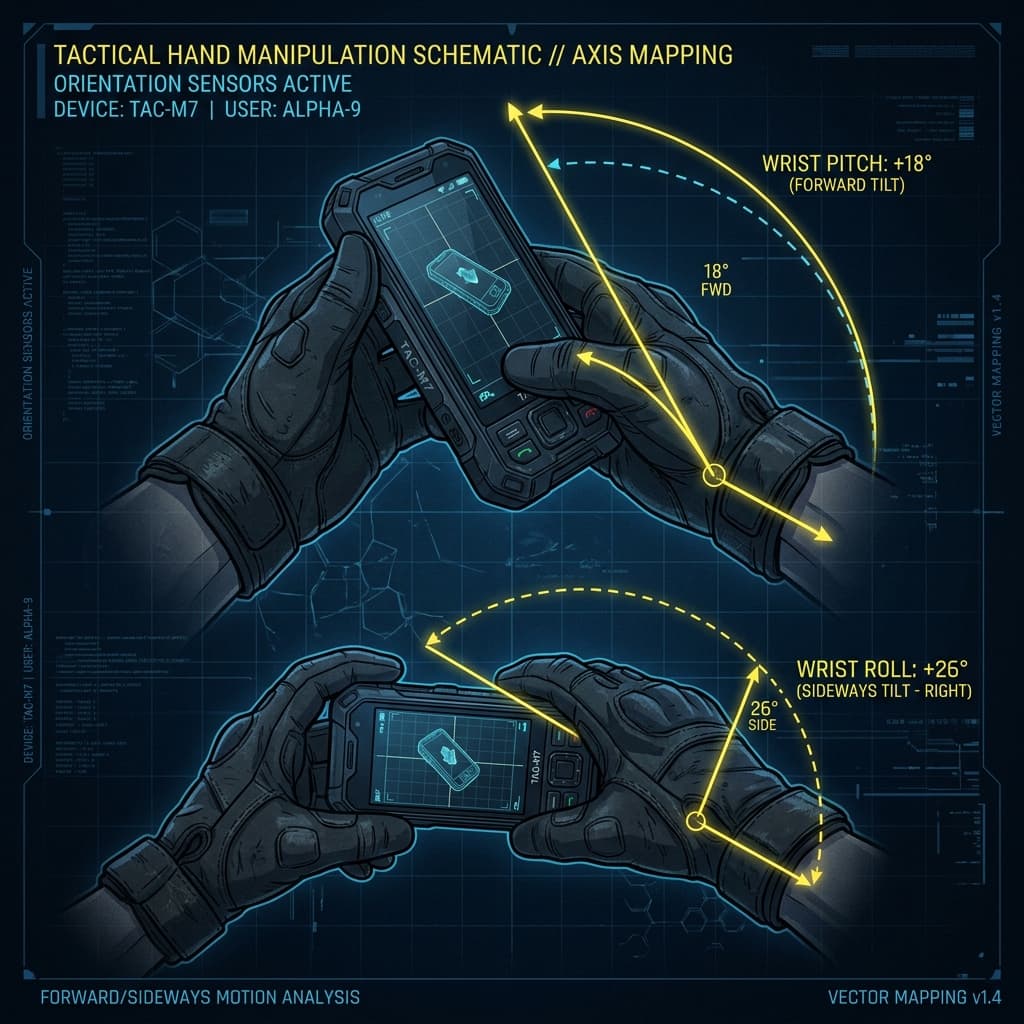
2. Always-On vs. Scope-On Gyroscope Comparison
Choosing the right gyroscope mode fundamentally shapes your mechanical playstyle and claw layout ergonomics:
| Feature | Always-On Gyroscope | Scope-On Gyroscope |
|---|---|---|
| Activation | Active continuously (Hipfire & ADS) | Active only when Scope is opened |
| Recoil Ceiling | Maximum (100% wrist pull-down) | Moderate (Thumb + Scope tilt) |
| Close-Quarters (CQC) | Instant 180° tracking without thumb drag | Limited by screen width & thumb friction |
| Learning Curve | High (3 to 7 days initial shaking) | Low (Easy 1-day transition) |
| Pro Recommendation | Used by 95%+ Esports Athletes | Recommended mainly for DMR/Snipers |
3. Recommended Gyroscope Multiplier Matrix (2026 Baseline)
Below is the benchmark sensitivity matrix calibrated across 60 FPS, 90 FPS, and 120 FPS device tiers:
| Scope Type | Standard Gyro | ADS Gyro (Firing) | Role / Purpose |
|---|---|---|---|
| TPP No-Scope | 300% – 350% | 320% – 360% | CQC hipfire & fast 180° turns |
| FPP No-Scope | 280% – 320% | 300% – 330% | First-person building pushes |
| Red Dot / Holo | 300% – 350% | 320% – 360% | Close-range tracking & sprays |
| 2x Scope | 200% – 250% | 220% – 260% | Mid-range SMG / AR engagement |
| 3x Scope | 140% – 180% | 160% – 190% | Primary M416 / Beryl spray scope |
| 4x Scope | 100% – 140% | 115% – 145% | DMR rapid tapping (SKS / Mini-14) |
| 6x Scope (Adjusted to 3x) | 120% – 160% | 135% – 170% | Pro long-range spray standard |
| 8x Scope | 45% – 70% | 50% – 75% | Bolt-action sniper headshots |
4. 3-Step Gyroscope Training Ground Drills
Spend 10–15 minutes daily in the Training Ground to build muscle memory:
The Fixed Target Lock
Stand 30 meters from a target wall. Take your thumbs off the screen and keep your crosshair centered on the bullseye using wrist movements only for 60 seconds.
30m M416 Wall Spray
Equip an unattached M416. Fire 30-round bursts into a wall while steadily tilting your phone forward. If the spray climbs, raise Gyro ADS by 5%. If it drops, lower it.
Target Transfer Sweep
Spray 10 bullets at a 20m target, then instantly tilt your wrist to transfer the remaining 20 bullets smoothly to a 50m target without scoping out.
Want Hardware-Calibrated Gyro Settings?
Our AI engine computes gyroscope sensitivity customized for your exact device, chipset, and screen refresh rate in 60 seconds.
Calculate My Hardware Gyro Profile →